Practical guides and playbooks to help you automate smarter — from chatbots and AI workflows to Xero integrations.
Resources
Practical guides and playbooks to help you automate smarter — from chatbots and AI workflows to Xero integrations.
Featured resources
Our most popular resources — the guides people come back to when they’re building automations, improving workflows, and looking for practical steps that actually work.
Our most popular resources — the guides people come back to when they’re building automations, improving workflows, and looking for practical steps that actually work.
From invoice processing and approvals to customer support chatbots, our articles break down what works, why it works, and how to deploy it with Xero, documents, and workflow tools—without drowning in jargon.
Use AI without handing over client data
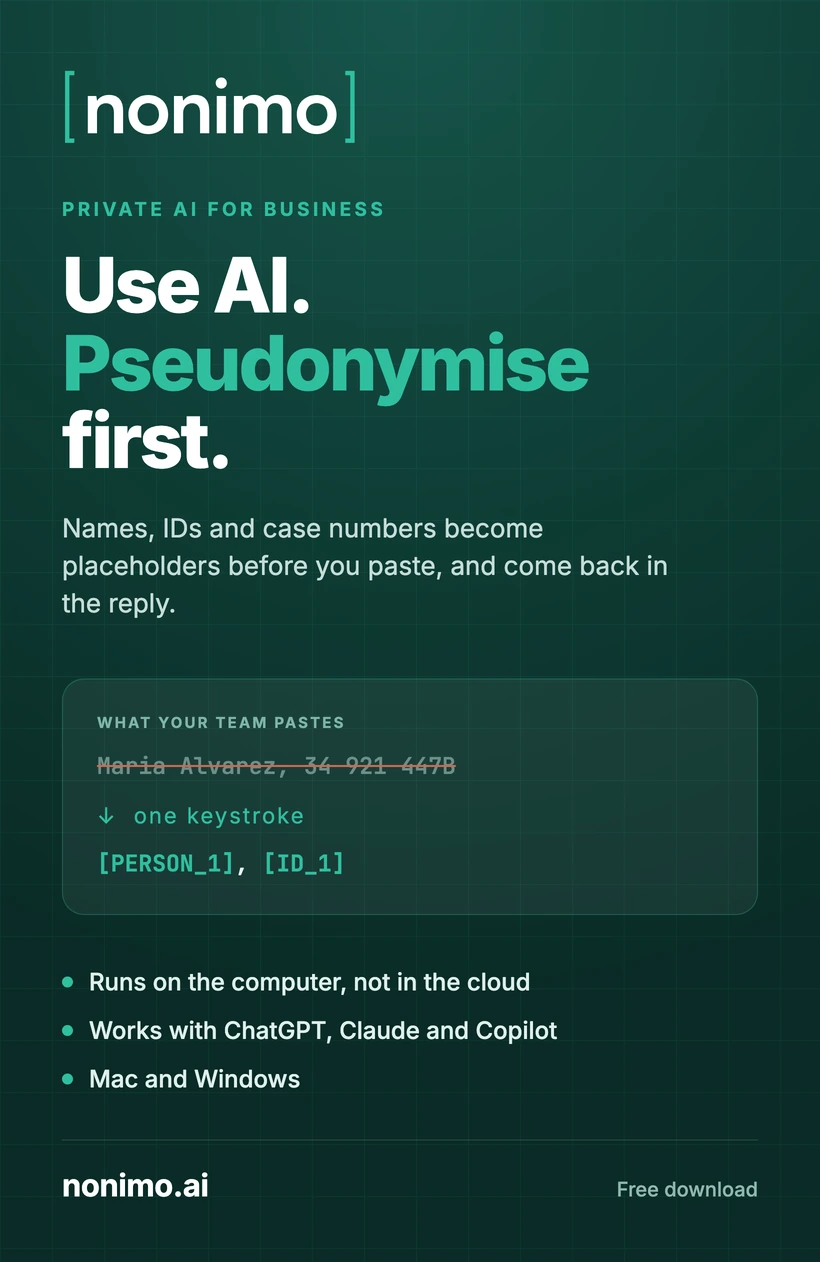
Nonimo swaps names, IDs and case numbers for placeholders before anyone pastes them into ChatGPT, Claude or Copilot, and puts the real values back when the answer comes in.
The engine runs on the computer, not in the cloud. The text your team selects never leaves the machine, and the pseudonymisation is reversible, so the reply comes back readable instead of full of codes.
One keystroke: select any text and press it. Works in ChatGPT, Claude, Copilot and any other web app.
Runs locally on Mac and Windows. No account, no password and nothing to set up first.
Reversible by design: placeholders go out, the real values come back as you read the reply.
Nonimo swaps names, IDs and case numbers for placeholders before anyone pastes them into ChatGPT, Claude or Copilot, and puts the real values back when the answer comes in.
The engine runs on the computer, not in the cloud. The text your team selects never leaves the machine, and the pseudonymisation is reversible, so the reply comes back readable instead of full of codes.
One keystroke: select any text and press it. Works in ChatGPT, Claude, Copilot and any other web app.
Runs locally on Mac and Windows. No account, no password and nothing to set up first.
Reversible by design: placeholders go out, the real values come back as you read the reply.